
Expenses
Add expenses, split them fairly, scan receipts and use other currencies.
Steps
Step 1
Add an expense
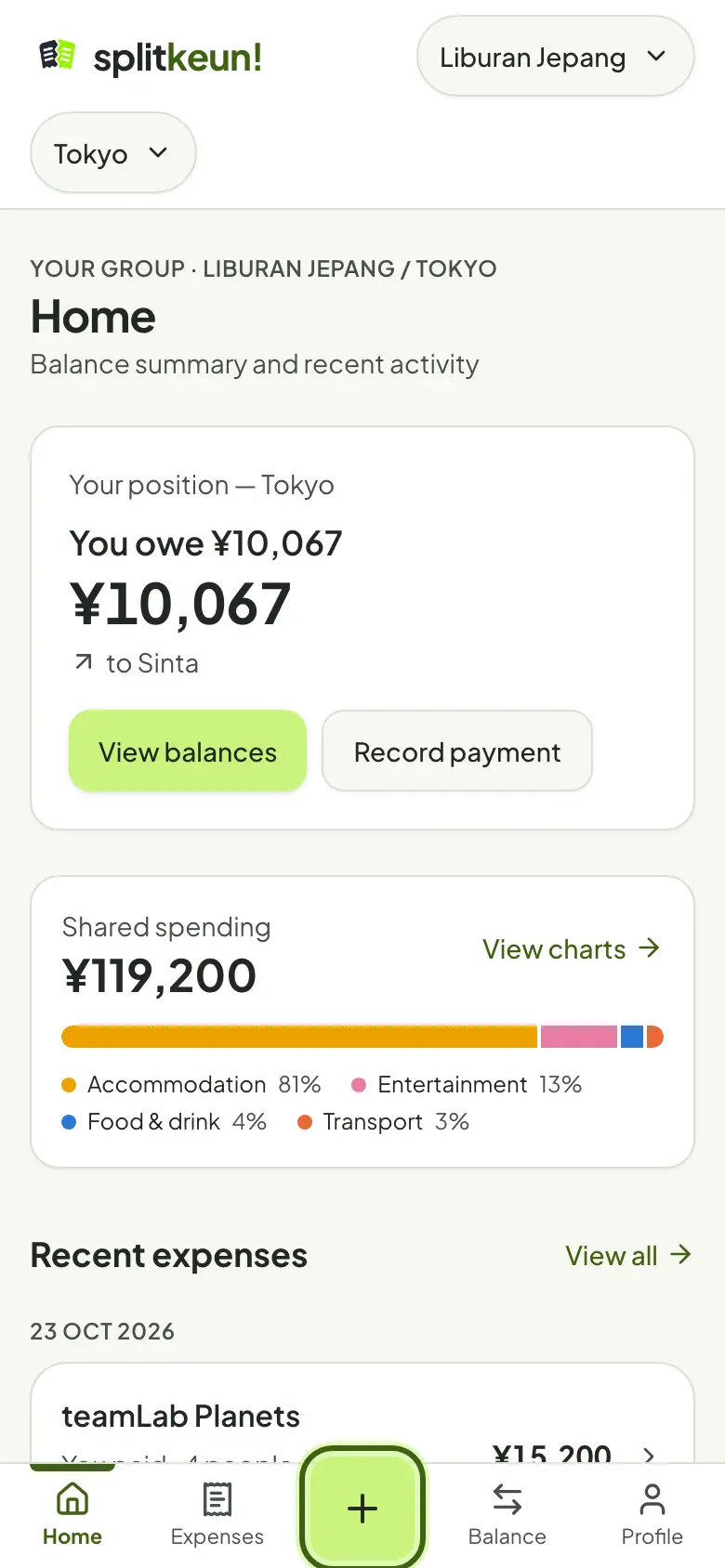
Tap the + button at the bottom of the screen. The expense goes into the scope you have open.
Step 2
Amount, currency and payer
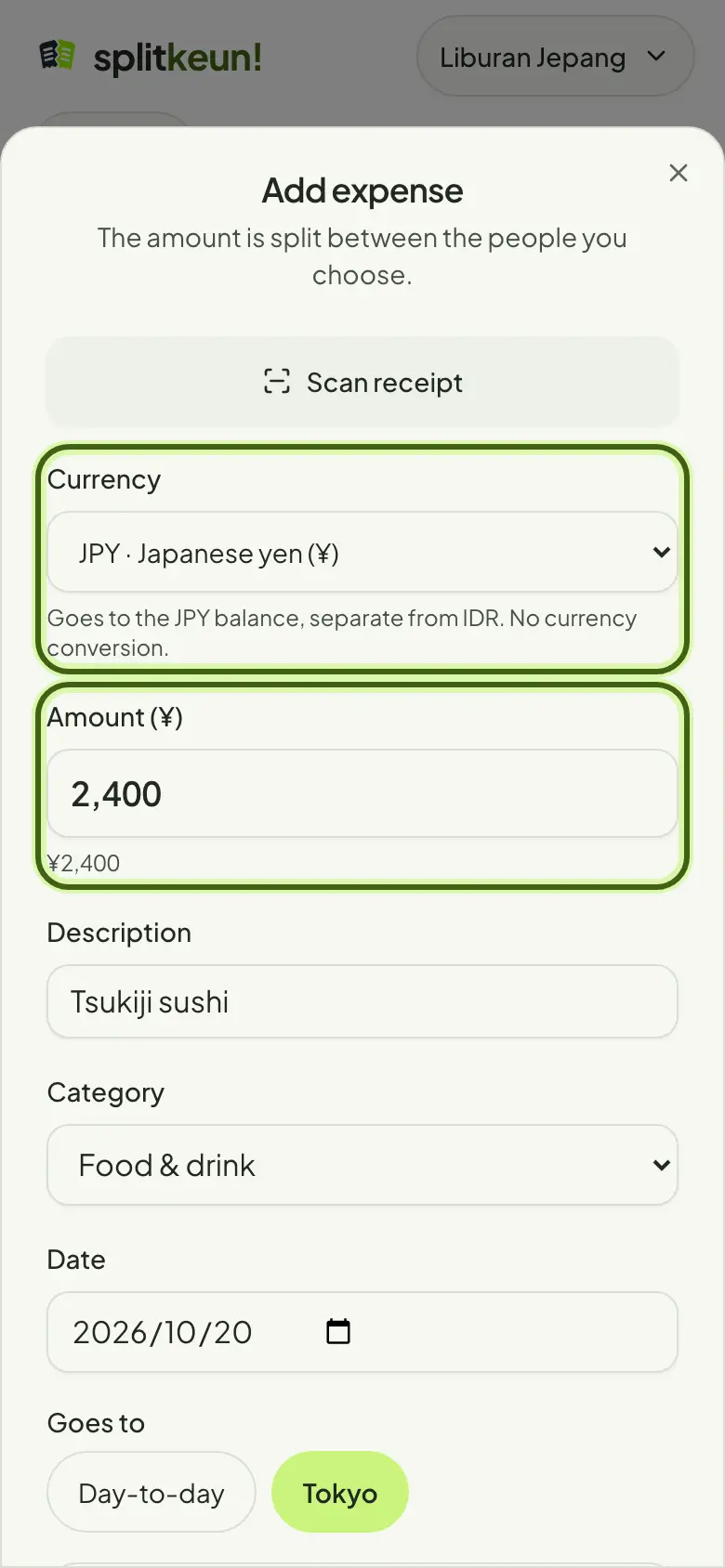
Enter the amount and a description, then pick who paid. Paid in another currency? Change the currency; its balance is kept separately, with no exchange rate.
Step 3
Choose how to split
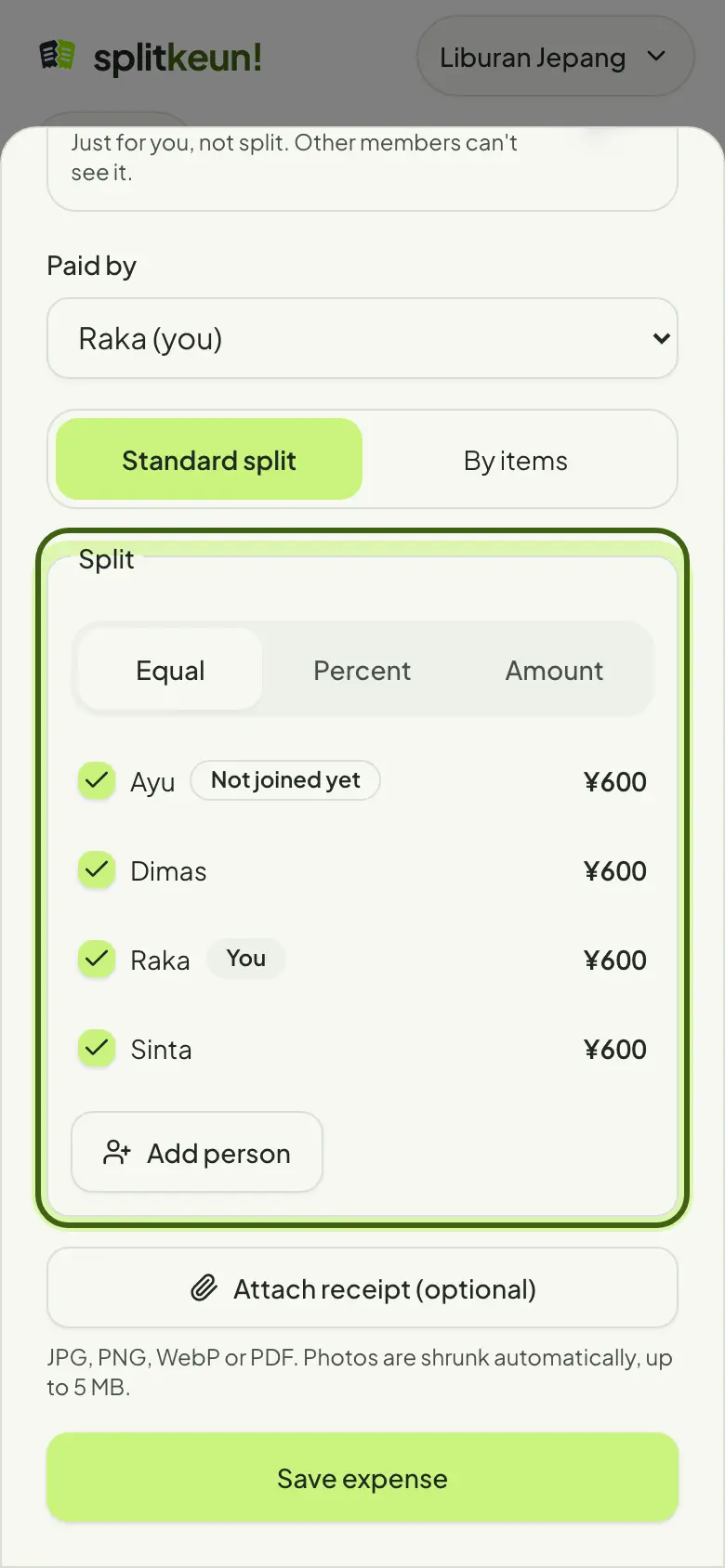
Split equally between the people you pick, or by percentage or amount per person. Untick anyone who isn't in.
Step 4
Scan a receipt
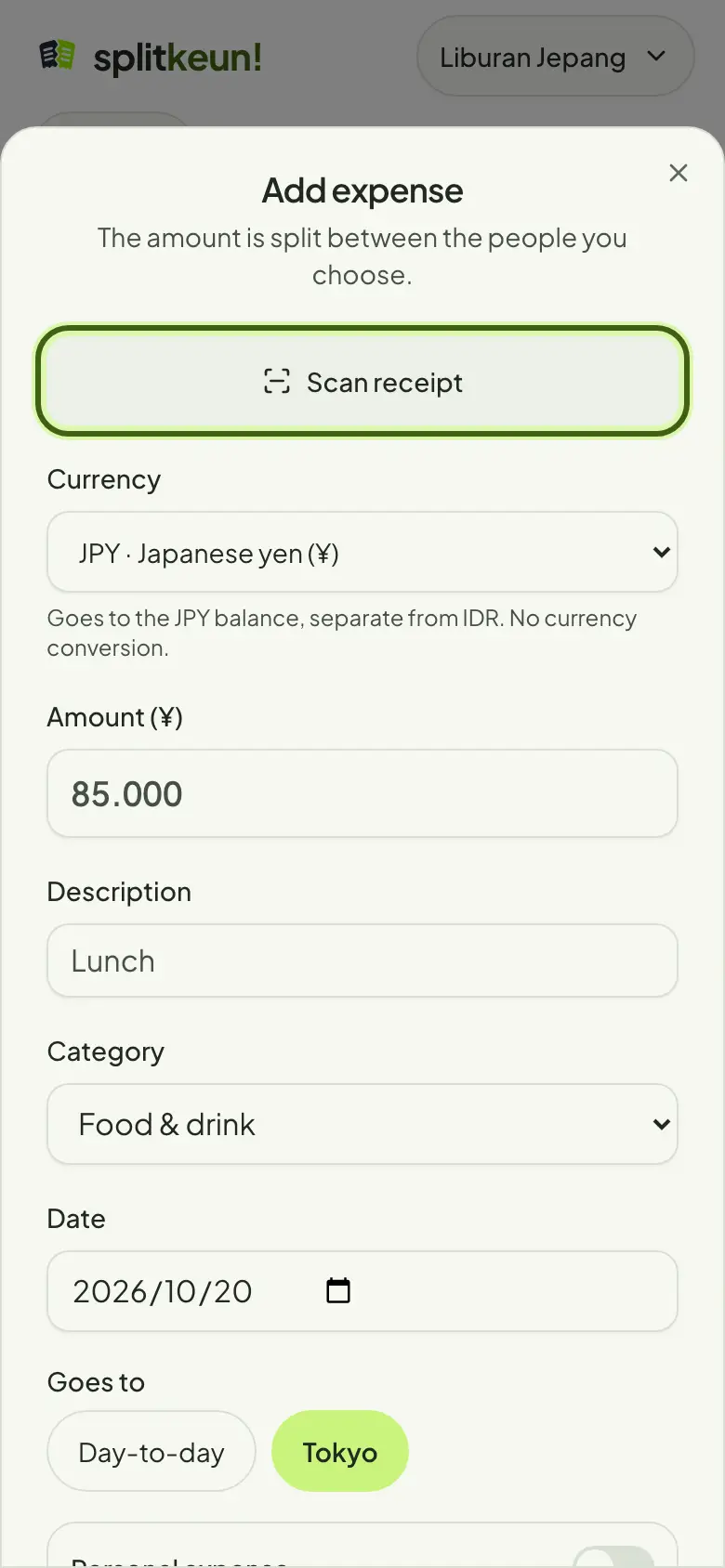
Attach a photo of the receipt and AI reads the items and the total. You can keep filling in the form while it works. Check the result before saving.
Step 5
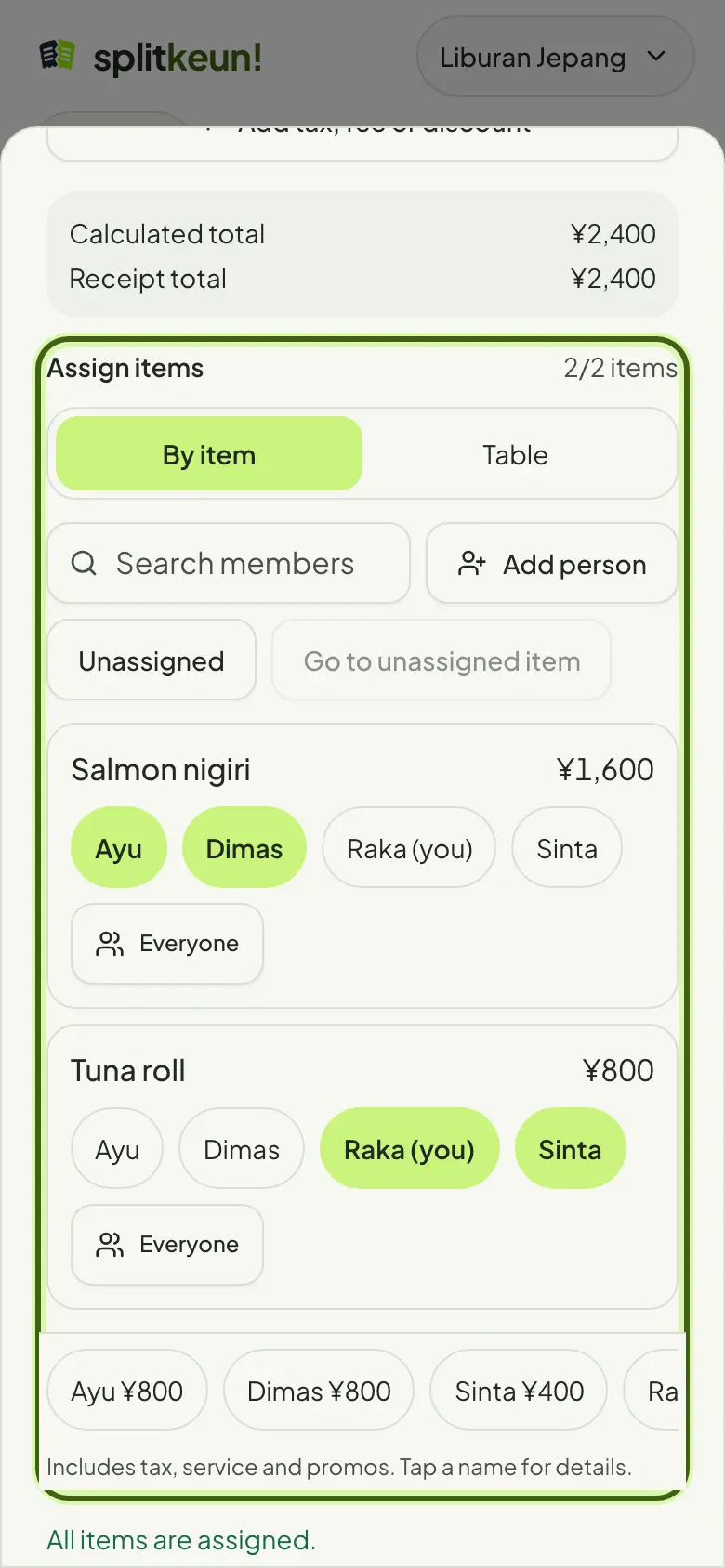
Split by item
For a restaurant bill, pick who ordered what. Tax, service charge and discounts are shared in proportion to each person's order.
No account yet?
Try it in Splitkeun. It's free.