
The split-bill app for groups
Shared costs, sorted. Friendships intact.
Track who paid for what, split bills fairly and see who owes whom. Made for trips with friends, housemates, office lunches, arisan and Umrah groups.
Free. Sign in with your email, no password.
Everything you need to share costs
Split fairly
Split equally, by percentage, by amount per person, or item by item from what each person ordered.
Scan receipts with AI
Snap the receipt and AI reads the items and the total. You check it and split.
14 currencies
Balances are kept per currency, with no exchange rates. Each activity can have its own default currency.
Settle up
Record full or partial payments, including ones paid in another currency.
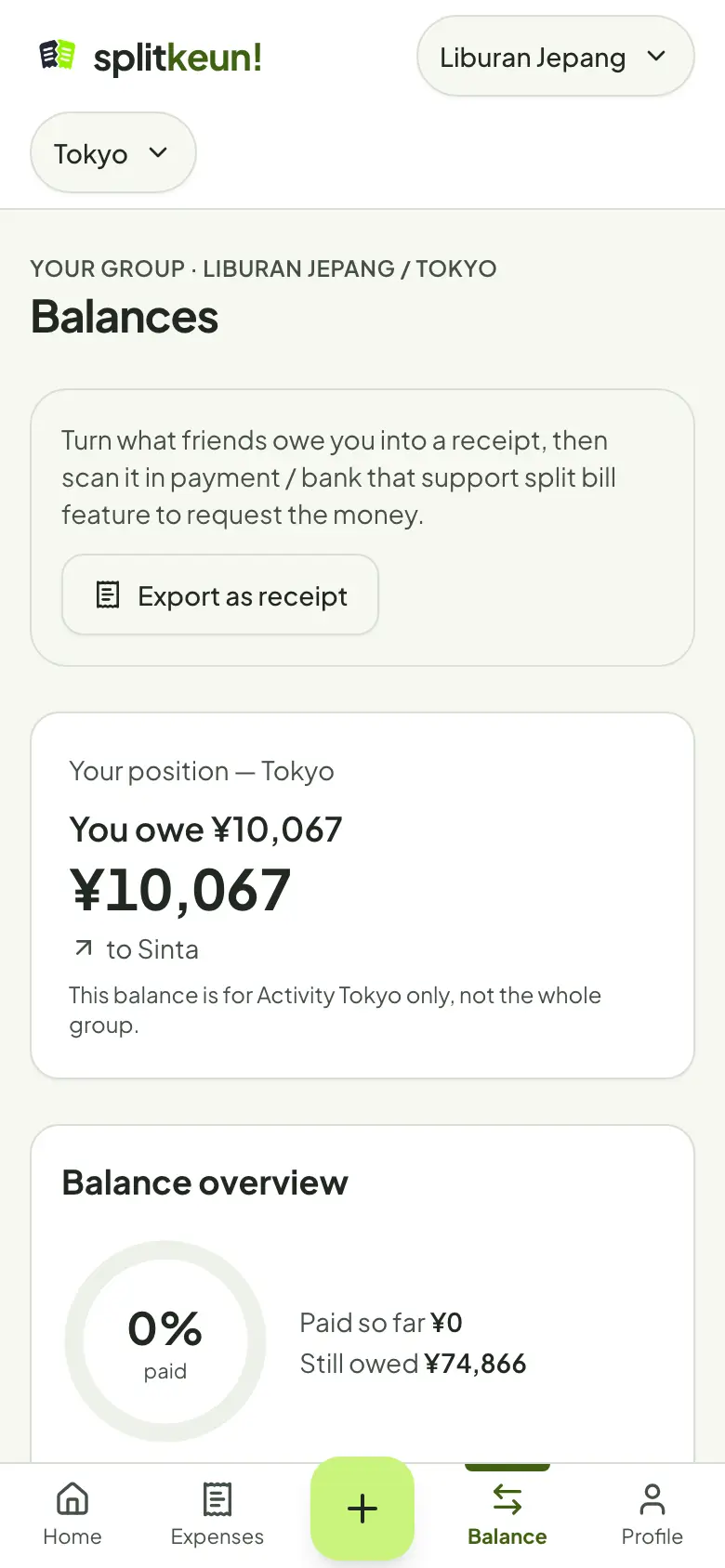
Export as a receipt
Turn what friends owe you into a receipt image, then scan it in a payment app that has a split bill feature.
Three languages
Bahasa Indonesia, English and Bahasa Melayu. Everyone picks their own.
How it works
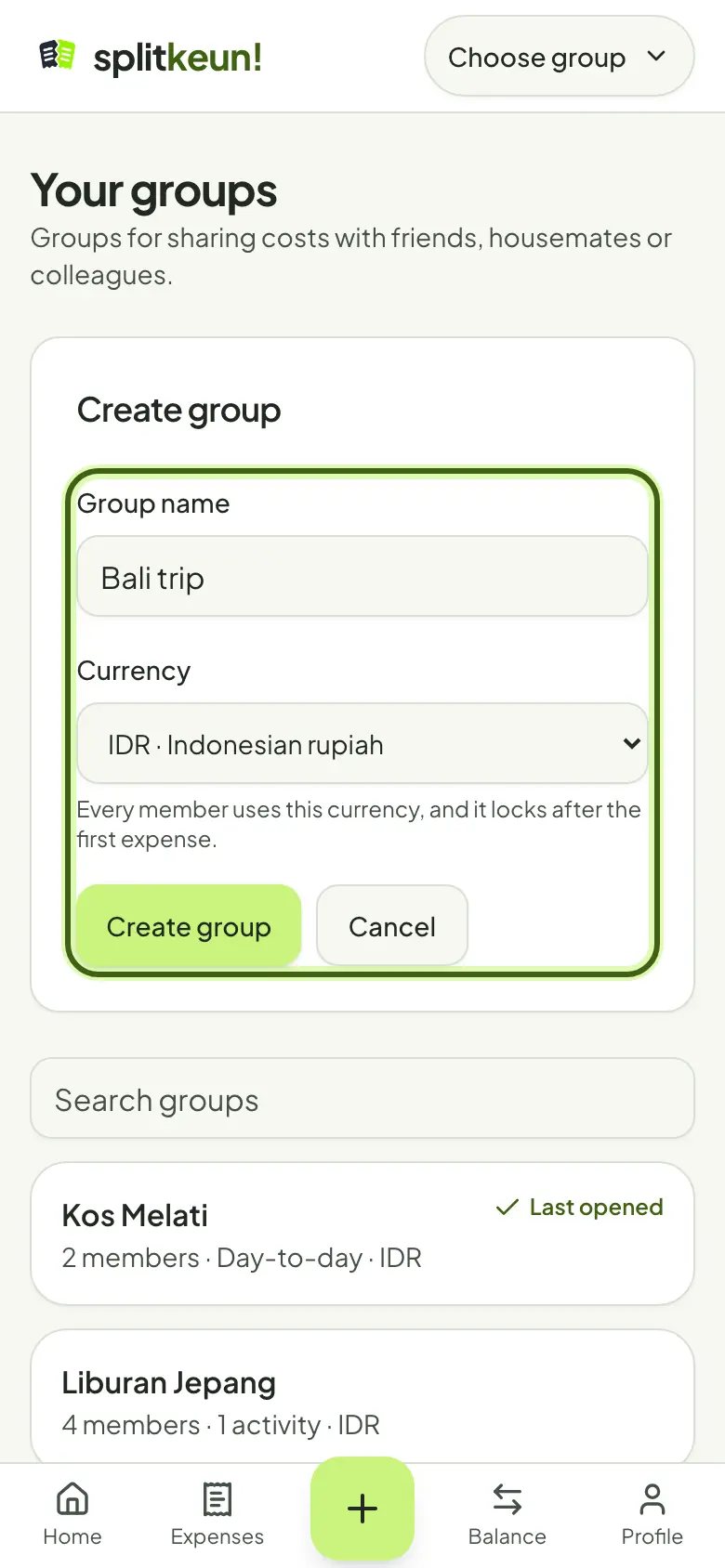
Create a group
Name it, pick its currency and add friends by username or email. People without an account can still be included.
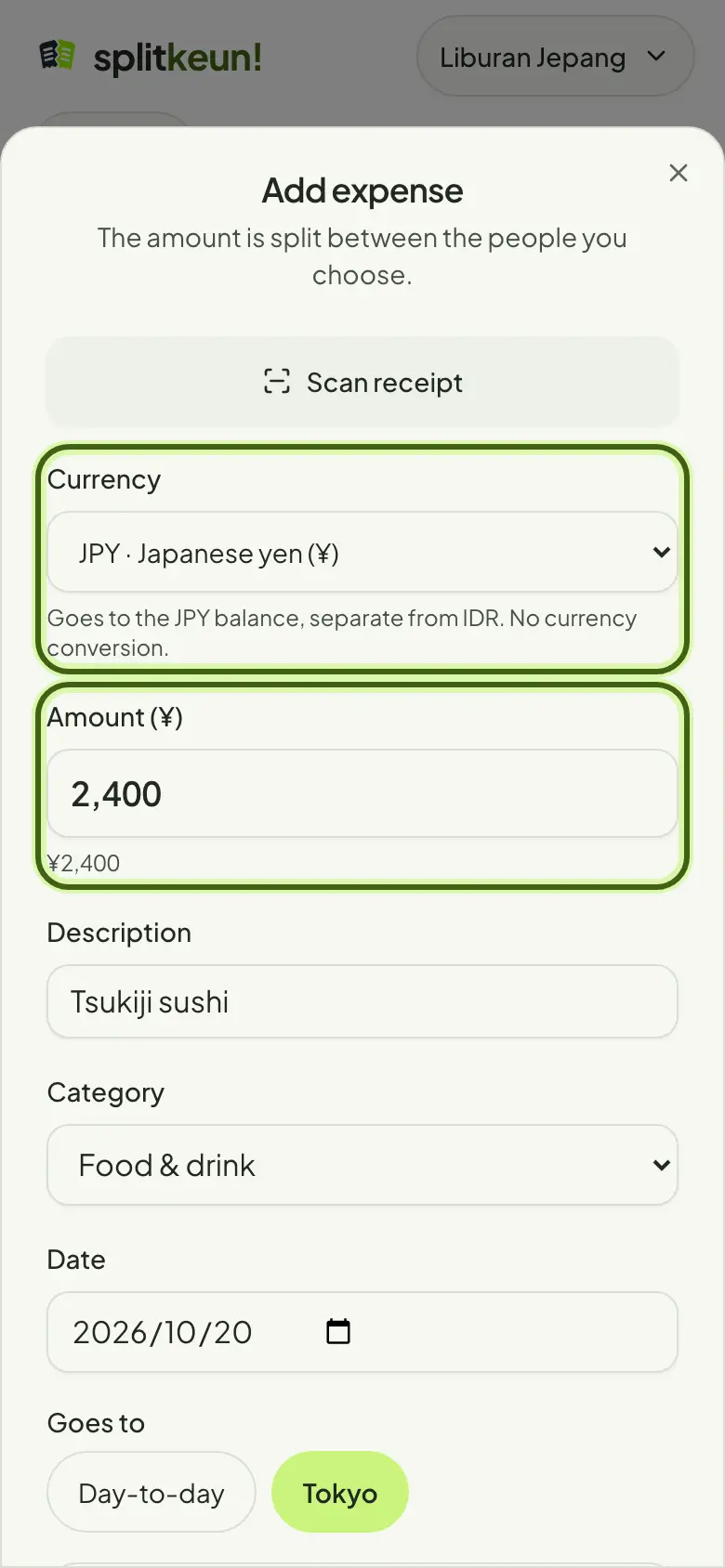
Add expenses
Enter the amount and who paid, or scan the receipt. Choose who's in and how to split.
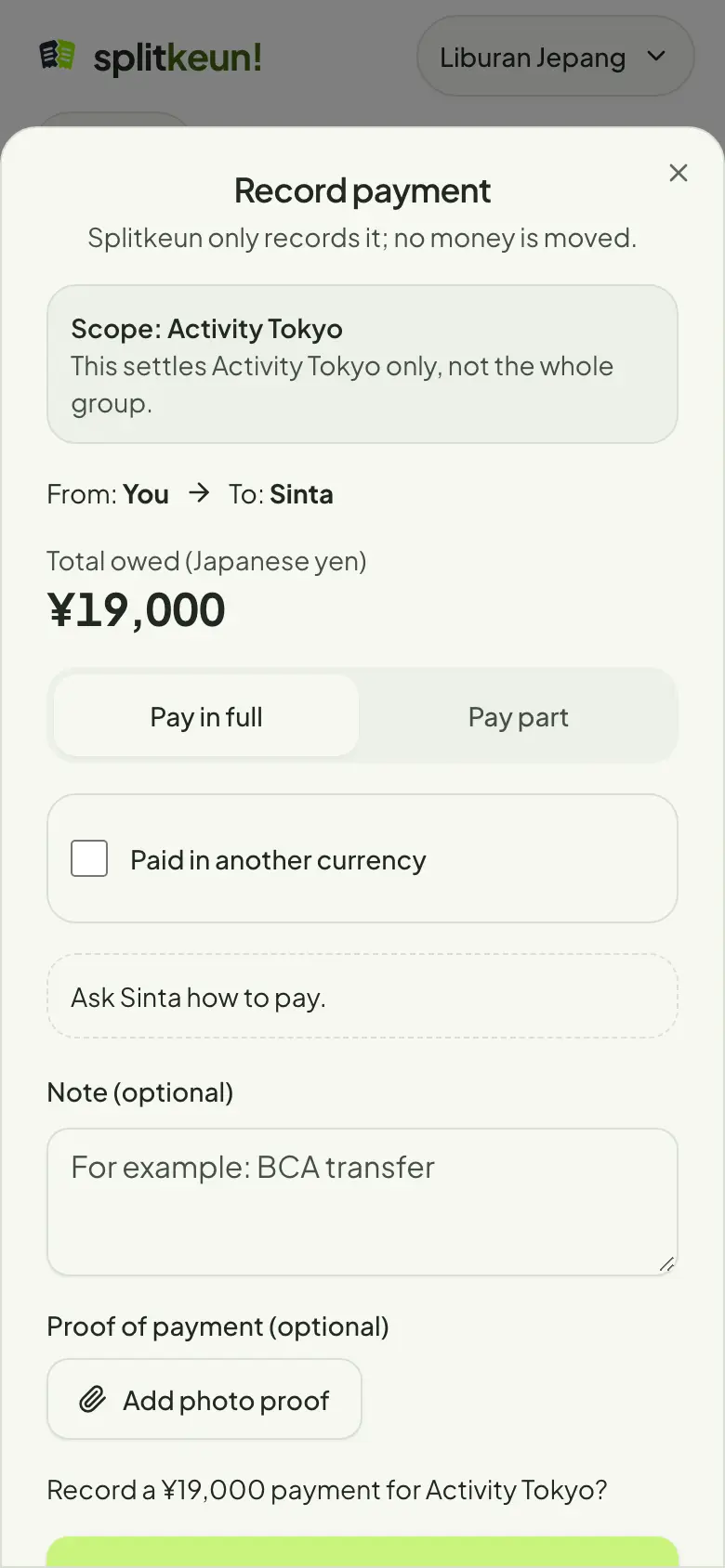
Settle up
See who owes whom, then record payments once they're made.
Splitkeun only keeps the record
Money still moves the way you already pay each other: bank transfer, e-wallet or cash. Splitkeun never holds or moves any money.
Ready to split without the drama?
Create your first group in a minute.